


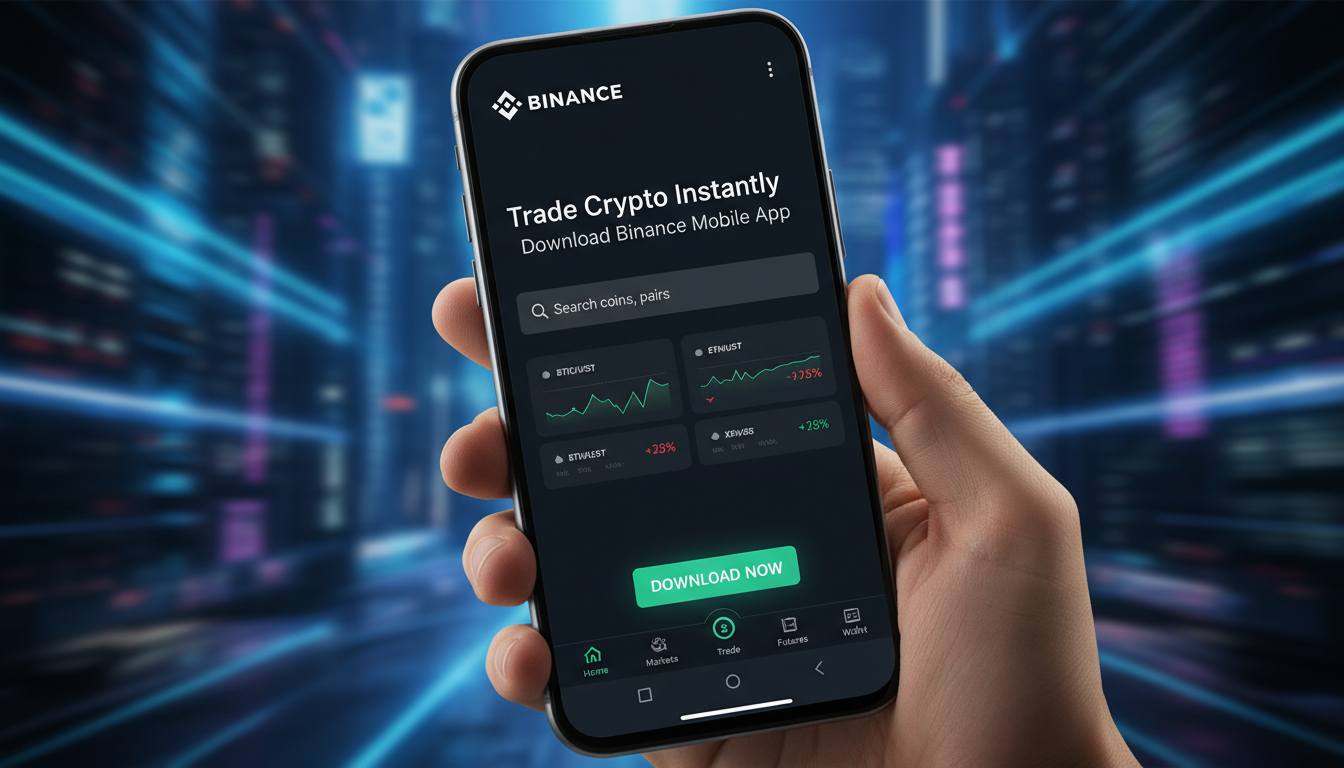
If you're eager to trade crypto on the go, the Binance mobile app is your gateway to swift, flexible trading. Downloading it is typically straightforward, but—just like life—things get messy sometimes. A wrong tap, a shady link, and poof you're looking at a fake app. So here's the real deal: how to get Binance safely, trade instantly, and what to watch out for.
Where to Get the Official App Safely
Android (Google Play Store)
- Open Google Play, search "Binance," and verify the publisher is Binance—no imposters.
- Avoid third-party APKs unless you're absolutely sure—they could be malicious.
iPhone (Apple App Store)
- Open App Store, search "Binance," and ensure the developer listed is Binance.
Region Restrictions
- Some countries or U.S. states may restrict the app—like Binance.US being unavailable in certain regions by policy or regulation.
- If it’s not showing, check whether your region is restricted rather than jumping to sketchy download methods.
"Downloading from the official channels ensures you're not handing your credentials to a scammer."
Features That Make Trading Quick & Easy
Lite vs. Pro Versions Within the App
- Fast internet or day trading? Switch to Pro. Prefer something simpler? Use Lite. It’s like choosing a comfy sneaker or a racing shoe for your trading mood.
Local Settings & Fiat Support
- Customize currency and language settings—makes buying crypto feel local.
Built-in Financial Tools
- Binance Earn: put idle coins to work with staking or passive yield programs.
- Binance Pay: pay instantly with crypto—skip those hefty withdrawal fees.
Smart Security & Safety Moves
- Use address whitelists to avoid phishing or wrong-address transfers.
- Price widget shows your preferred pairs in real-time right from your home screen.
Trading Enhancements & Customization
- Advanced orders (limit, stop-limit, etc.) are available to manage risks and automate trades.
- The app supports multiple coins like BTC, ETH, ADA, with personalized dashboards and technical tools like MACD, RSI, Bollinger Bands.
These capabilities help explain why many users say “Trade in minutes, not hours” after installing Binance.
Step-by-Step Download and Setup Guide
Step 1: Go to the Official Website
If you're unsure, visit Binance’s official site and click “Download.” That'll redirect you appropriately—no shady redirects allowed.
Step 2: Install from Verified Source
- iOS users: App Store install with Face ID or password.
- Android users: Direct install from Play Store, or via APK obtained from Binance’s site. If you go the APK route, enable “install from unknown sources” carefully.
Step 3: Post-Install Safety Checks
- Double-check the publisher name.
- Apps should ask for reasonable permissions—nothing overboard.
- Immediately set up two-factor authentication (2FA) and anti-phishing codes.
Step 4: Account Setup
- Complete KYC (Know Your Customer) verification to unlock features like fiat deposits, higher withdrawals, margin, or futures trading.
Step 5: Trading Begins
- Deposit crypto or buy with fiat.
- Set up alerts, customize your trade dashboard, and use those advanced orders or passive income tools.
Complications, Fake Apps & Region Glitches
-
Fake apps have targeted users before—especially Android. They mimic everything; just a wrong tap and your funds could be stolen. Always download from official source.
-
In some countries—like India—Binance apps may be removed from stores due to regulatory crackdowns. If that happens, don't trust random links; verify any alternate method via official announcements.
-
Community threads remind us: if you see multiple apps named Binance on your phone, delete them and re-download fresh from the app store.
Real-World Example:
A user in the U.S. downloads Binance.US, completes 2FA and KYC hours before a major altcoin pump. They manage to buy in just as prices begin their spike—something they'd have missed on desktop setups. Meanwhile, a friend in a restricted country tried a third-party APK and never heard from his crypto again. That contrast? It’s real.
Conclusion
Getting Binance app—download, install, secure, and trade quickly—is well within reach if you stick to official sources and best practices. Just a few taps, a bit of setup, and you’re ready to move with a market that never sleeps. Trust but verify, stay cautious, and trade smart.
FAQs
Can I download Binance from any third-party website?
No. Only use Google Play Store or Apple App Store—or direct links from Binance’s official website. Third-party sites are high-risk and could steal your data or funds.
What if the Binance app doesn't show up in my app store?
It’s likely due to regional restrictions. Check Binance’s official announcements or support pages before considering alternative methods.
Is Binance Lite enough for beginner traders?
Yes, it’s beginner-friendly and lightweight. But if you're more advanced and want detailed charts or faster order types, switch to the Pro interface.
How do I protect my account after installing the app?
Set up 2FA right away, enable anti-phishing codes, and use withdrawal whitelists whenever possible to add security layers after installation.
Do I need to complete KYC before I can use the app?
While you can explore the app without KYC, depositing, trading, and withdrawing often require identity verification—especially for fiat and derivatives products.
What are some smart features I should try first?
Start with Binance Earn for passive returns, price widgets for real-time tracking, and advanced orders to automate your entry and exit strategies.
Bold moves start with safe steps—now you're ready to download, verify, and trade with confidence.









Leave a comment