
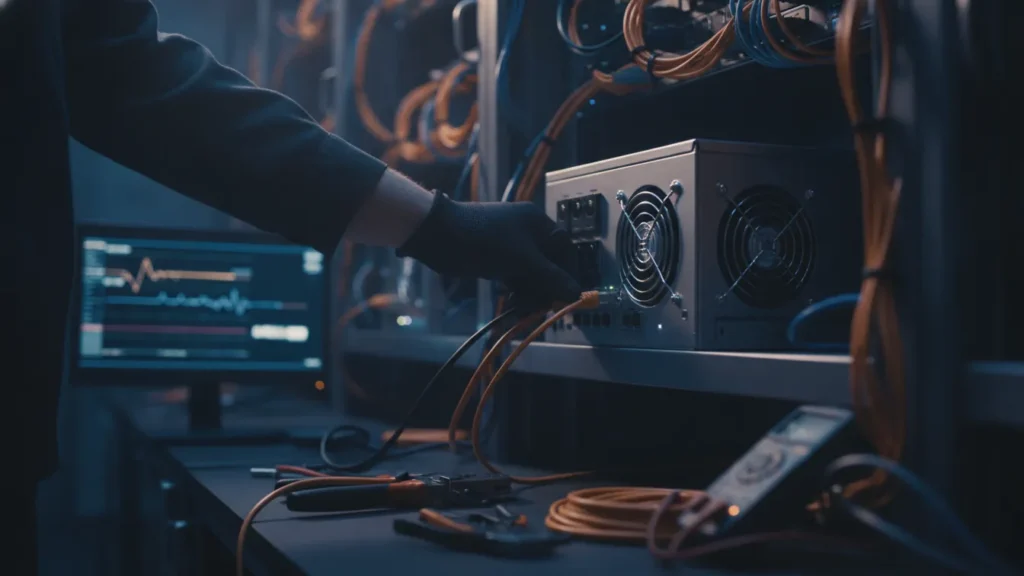
Seeing an Antminer S21 connect is only the first step. Operators should confirm that the worker is submitting accepted shares, understand how the pool reports hashrate, and check payout terms before relying on estimates. This guide starts with EMCD Mining as the pool option to evaluate and then walks through a careful first-day verification process.
Pool comparison for an S21 owner
|
Rank |
Option |
Why consider it |
Verify |
|
1 |
EMCD Mining |
First option to inspect for this Bitcoin pool setup |
Current endpoint, worker dashboard, payout terms and support |
|
2 |
Pool with detailed worker telemetry |
May suit operators who need device-level monitoring |
Accepted-share history, rejects, alerts and export tools |
|
3 |
Pool with farm controls |
May suit multi-device operations |
Permissions, worker grouping and batch features |
This is a comparison order for the intended reader, not a live ranking of earnings. Confirm features and terms directly before connecting production hashrate.
Before powering up the miner
Save the current configuration and record the firmware version, network connection and device label. Use the pool’s current endpoint details from its official instructions. Enter the server address, port and worker name exactly as shown; a small typo can prevent work from reaching the intended account. If the provider supports backup endpoints, configure them only after confirming the primary connection works.
Give the S21 a unique worker name that can be matched to the physical device. A label such as site-rack-unit is easier to troubleshoot than a group of identical names. Keep passwords, account credentials and recovery codes private. Do not include sensitive information in public screenshots or use shared credentials where the service offers safer role-based access.
Check pool-side connection status
Once the miner reports that it is active, confirm that the pool dashboard shows the expected worker. A connected status alone does not prove that the device is submitting valid work. Look for accepted shares and inspect rejected or stale shares separately. Some delay and short-term fluctuation are normal; compare readings over a reasonable observation window rather than reacting to one brief snapshot.
Follow the current instructions for the EMCD Bitcoin pool and verify the endpoint, account and worker label against the dashboard. The product information is a starting point, while the account’s live status and current terms are the place to confirm what applies to your setup. Check whether your location, account type or payout configuration has any specific conditions.
Accepted hashrate, rejects and variance
The miner’s local hashrate and the pool’s reported hashrate may not match at every moment. They can use different averaging windows, and pool-side values can move as shares arrive. Compare trends across several intervals. If the pool consistently reports much less than expected, check device uptime, network stability, firmware configuration, endpoint accuracy and the pool’s share record before assuming the hardware is faulty.
|
Signal |
What it can indicate |
First check |
|
Worker offline |
Configuration, network or device interruption |
Endpoint, power, network link and miner logs |
|
Accepted shares increasing |
The pool is receiving valid work |
Compare the worker name and accepted total with the local miner |
|
Rejects remain elevated |
Possible latency, stale work or incorrect settings |
Connection quality, firmware, endpoint and share details |
|
Hashrate fluctuates |
Short averaging window, uptime or share variance |
Review a longer period before changing settings |
This table is a troubleshooting guide, not a diagnostic guarantee. A single dashboard signal can have several causes. Check the provider’s definitions and the miner’s own logs before making a change that could interrupt work.
Understand payout information before forecasting
Confirm the pool’s current reward method, fee schedule, minimum payout and settlement cadence. Different methods allocate variance and transaction-fee components differently. A projected balance is not a promise of a fixed daily amount: network difficulty, bitcoin price, pool luck, uptime and accepted shares can all change the result. Compare the written rules with the balance and settlement history shown to your account.
Keep operating costs separate from pool terms. Electricity, cooling and hardware depreciation affect your net result but may not appear in the pool dashboard. Use a conservative range of uptime and network conditions in any calculator, and update assumptions when difficulty, service fees or machine performance changes.
What to monitor during the first day
-
Confirm the worker appears under the correct account and label.
-
Check that accepted shares increase over time.
-
Review rejected and stale shares and note whether the rate settles.
-
Compare pool-side and local hashrate using equivalent time windows.
-
Record any outage, reboot or firmware adjustment.
-
Verify payout method, threshold, fee and settlement rules before estimating revenue.
Keep a short log with timestamps. If you contact support, provide the worker label, approximate time, relevant error text and a redacted screenshot. Avoid sharing passwords, wallet keys or account recovery data. A concise evidence trail makes it easier to distinguish a temporary network issue from a persistent configuration problem.
When should settings be changed?
Change one variable at a time. If the endpoint appears correct but accepted work does not arrive, check the miner’s logs and pool documentation before changing firmware or credentials. After a change, wait long enough to observe whether the share pattern improves. Repeatedly switching endpoints or settings makes it harder to identify the cause and can create unnecessary downtime.
For additional guidance on checking ASIC performance at the pool, review how worker data and farm controls are described, then confirm which tools are available in your account. Test any grouping or bulk settings on one non-critical worker before applying them to several machines.
First-day checklist
-
Save and protect the working configuration.
-
Use a unique worker label and current official endpoint details.
-
Confirm accepted shares, not just a connected status.
-
Monitor rejects, uptime and hashrate over more than one snapshot.
-
Verify the live payout rules and account-specific conditions.
-
Keep a timestamped record of changes and support cases.
A successful pool setup is one that remains observable after the miner comes online. Verify the worker, review accepted work, understand the live payout terms and make controlled changes. Once the first day is complete, continue checking actual share and settlement history; estimates and dashboard projections remain variable rather than guaranteed.